Guides
Practical, no-fluff advice for making posts people enjoy swiping through.


Basics


How to make a carousel post, step by step
A practical walkthrough for building a multi-slide carousel post in your browser: pick a start, set the ratio, edit pages, then export images or video.
Basics


Telling a story across carousel slides
Plan a carousel like a short story: a first slide that invites a swipe, a middle that builds, a clear ending and a visual style that holds it together.
Basics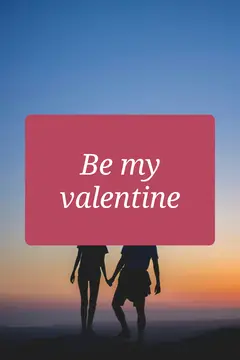


Making text readable on photos
Simple ways to keep words legible on busy photos: strong contrast, generous size, calm placement and short copy that reads quickly on a phone screen.
Ideas


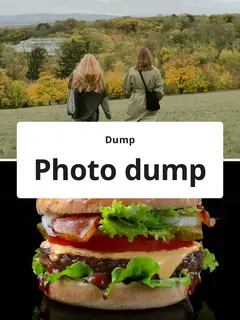
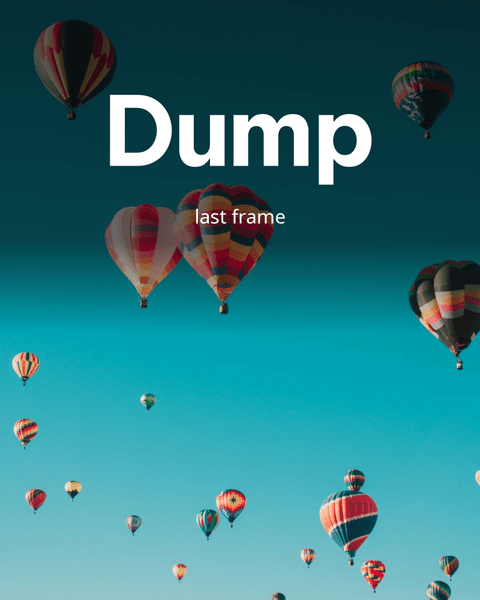
Photo dump ideas: themes, order and variety
Fresh photo dump ideas with simple themes, a sequencing method that flows, and tips for mixing close-ups, wide shots and short clips in one post.
Ideas
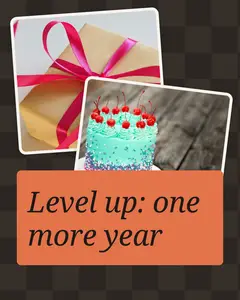

Birthday and celebration post ideas
Warm, easy ideas for birthday, anniversary and celebration carousels, from through-the-years throwbacks to party recaps and simple thank-you posts.
Ideas


Turning a trip into a travel recap carousel
How to sort trip photos, choose a structure such as day by day or by place, and design a travel recap carousel that brings back the feeling of the journey.
Ideas


Carousel ideas for small businesses
Practical carousel formats for small shops and makers: product spotlights, behind the scenes, how-to steps, FAQ slides and clear announcement posts.
Ideas


Planning posts around seasons and holidays
Build a simple seasonal content calendar: list the holidays that matter to your audience, plan posts ahead and reuse layouts across the year.
Sizes & export



Choosing the best aspect ratio for each platform
Which aspect ratio fits feed posts, Stories, Reels, pins and landscape video? A simple table of common choices plus tips for cropping across pages.
Sizes & export


Mixing video clips and photos in one post
How to combine short video clips with photos in one post, how page timing works, and when to export separate images or a single MP4 video with sound.
Your next post is a few swipes away
Start from any template — creating and editing is free.